
Working remotely no longer means being tied to a traditional office. Whether you're answering emails from an airport lounge, editing photos in a hotel room, or managing spreadsheets from a coffee shop, having a second screen can dramatically improve productivity.
Portable travel monitors are designed to be lightweight, slim, and easy to carry alongside your laptop. Most modern models connect with a single USB-C cable, making setup quick and clutter-free. Many also include built-in protective covers that double as adjustable stands, making them ideal for business travelers, digital nomads, students, and anyone who works while traveling.
After researching today's leading portable monitors, we've selected the best options based on display quality, portability, connectivity, ease of use, and overall value.
Our Top Picks
ASUS ZenScreen MB16QHG (Best Overall)
ViewSonic VX1655-4K-OLED (Best OLED Display)
Lenovo ThinkVision M14t Gen 2 (Best for Business Travelers)
UPERFECT 16-inch 2.5K Portable Monitor (Best Value)
espresso Display 15 Pro (Best Premium Choice)
Why Trust Smart Picks HQ?
At Smart Picks HQ, we research products from trusted manufacturers, compare specifications, real-world performance, customer feedback, and overall value to help you make informed buying decisions. We don't simply recommend the most expensive products—we focus on items that deliver the best combination of performance, reliability, and value.
Some links in this article may be affiliate links. If you make a purchase through them, we may earn a small commission at no additional cost to you. This helps support our website and allows us to continue creating unbiased buying guides.
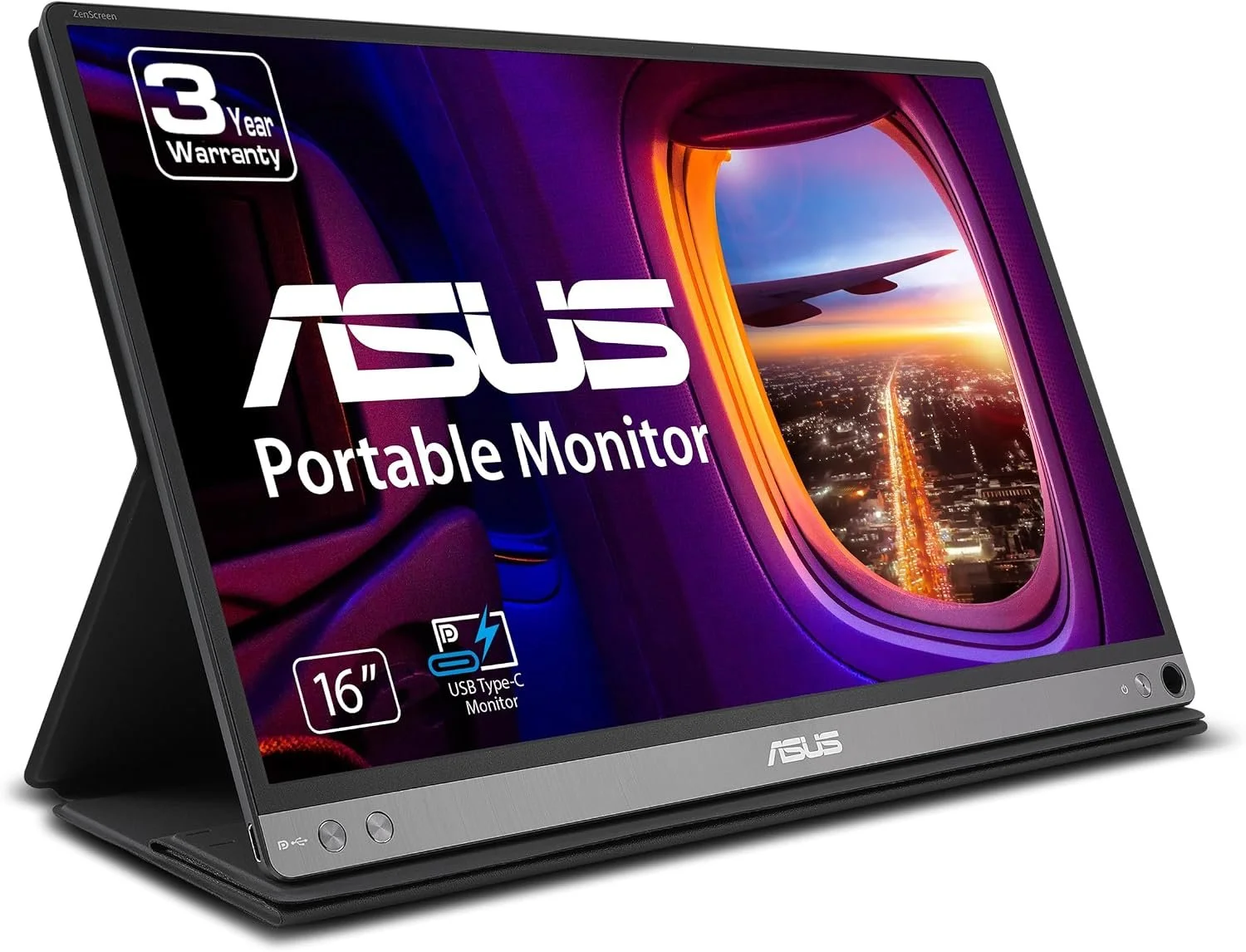
The ASUS ZenScreen MB16AC is a lightweight 15.6-inch portable monitor designed for travelers, remote workers, students, and business professionals who need extra screen space away from a traditional desk. Its Full HD IPS display provides clear images and wide viewing angles, while the USB-C connection makes setup quick and convenient. The included smart case protects the monitor during travel and also works as an adjustable stand.
Pros
- Lightweight and easy to carry while traveling
- 15.6-inch Full HD IPS display
- Simple USB-C connection for video and power
- Wide viewing angles
- Smart protective case doubles as a stand
- ASUS Eye Care technology
- Backed by a three-year warranty
Cons
- No built-in battery
- Limited to a 60 Hz refresh rate
- Not as bright as some premium portable monitors
Best For
Remote workers, business travelers, students, and digital nomads who want a dependable second screen that is slim enough to carry with a laptop.
Rating: ⭐⭐⭐⭐☆ 4.4 out of 5
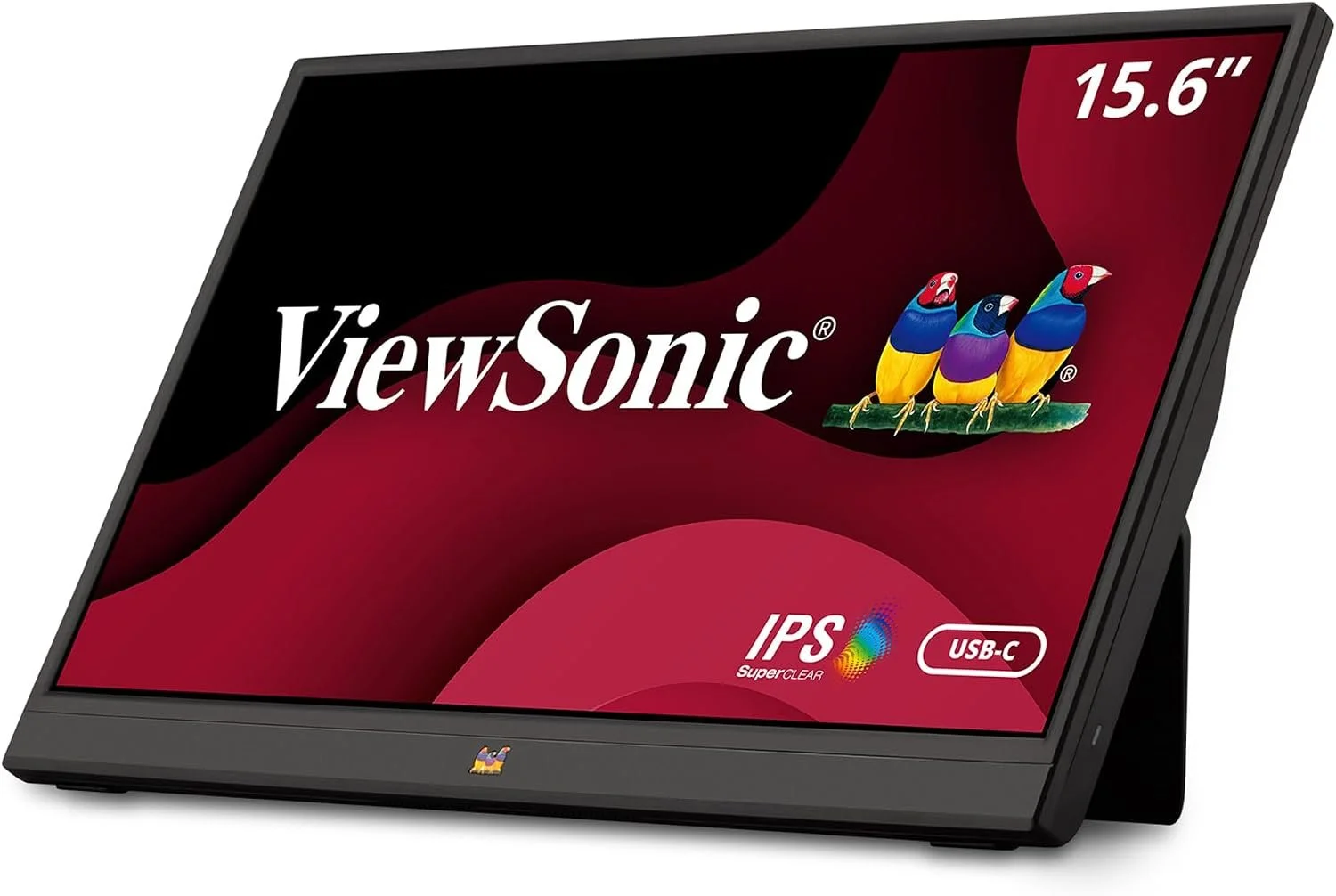
The ViewSonic VA1655 is an excellent budget-friendly portable monitor that delivers impressive value without sacrificing essential features. Its lightweight design, Full HD IPS display, USB-C connectivity, and integrated stand make it an ideal companion for remote workers, students, and business travelers who need an affordable second screen. Despite its lower price, it offers reliable image quality and flexible connectivity with both USB-C and Mini HDMI. :contentReference[oaicite:0]{index=0}
Pros
- Excellent value for the price
- 15.6-inch Full HD IPS display
- Lightweight design (about 1.5 lbs)
- USB-C and Mini HDMI connectivity
- Integrated foldable stand
- Portrait and landscape orientation support
- Protective sleeve included
Cons
- Brightness is lower than premium models
- 60 Hz refresh rate
- Color accuracy is suitable for productivity but not professional photo editing
Best For
Travelers, students, remote workers, and anyone looking for an affordable portable monitor that provides reliable everyday productivity without spending a premium.
Rating: ⭐⭐⭐⭐☆ 4.3 out of 5
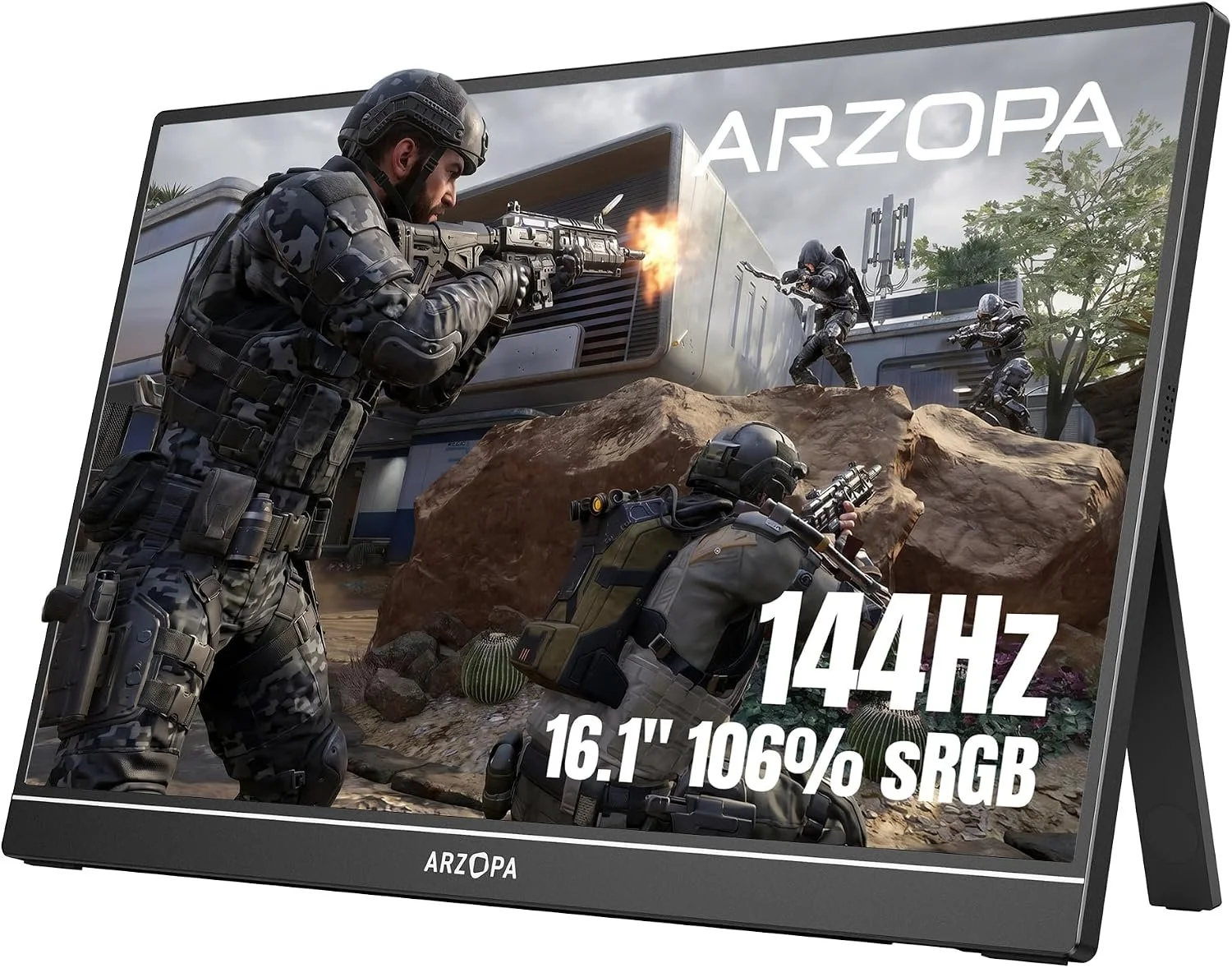
ARZOPA Z1FC 16.1" 144Hz Portable Monitor
The ARZOPA Z1FC offers one of the best values in the portable monitor market. Its 16.1-inch Full HD IPS display delivers vibrant colors with 106% sRGB coverage, while the smooth 144Hz refresh rate makes scrolling, multitasking, and media playback noticeably more fluid. Despite its gaming branding, it's an excellent choice for remote workers, digital nomads, and travelers looking for an affordable second screen with modern connectivity and an integrated kickstand.
Pros
- Large 16.1-inch Full HD IPS display
- Smooth 144Hz refresh rate
- Excellent value for the price
- Dual USB-C and Mini HDMI connectivity
- Integrated kickstand
- Slim and lightweight for travel
Cons
- Built-in speakers are basic
- No touchscreen support
Best For
Travelers, remote workers, students, and anyone looking for an affordable portable monitor with a larger display and smooth performance.
Rating: ⭐⭐⭐⭐☆ 4.5/5
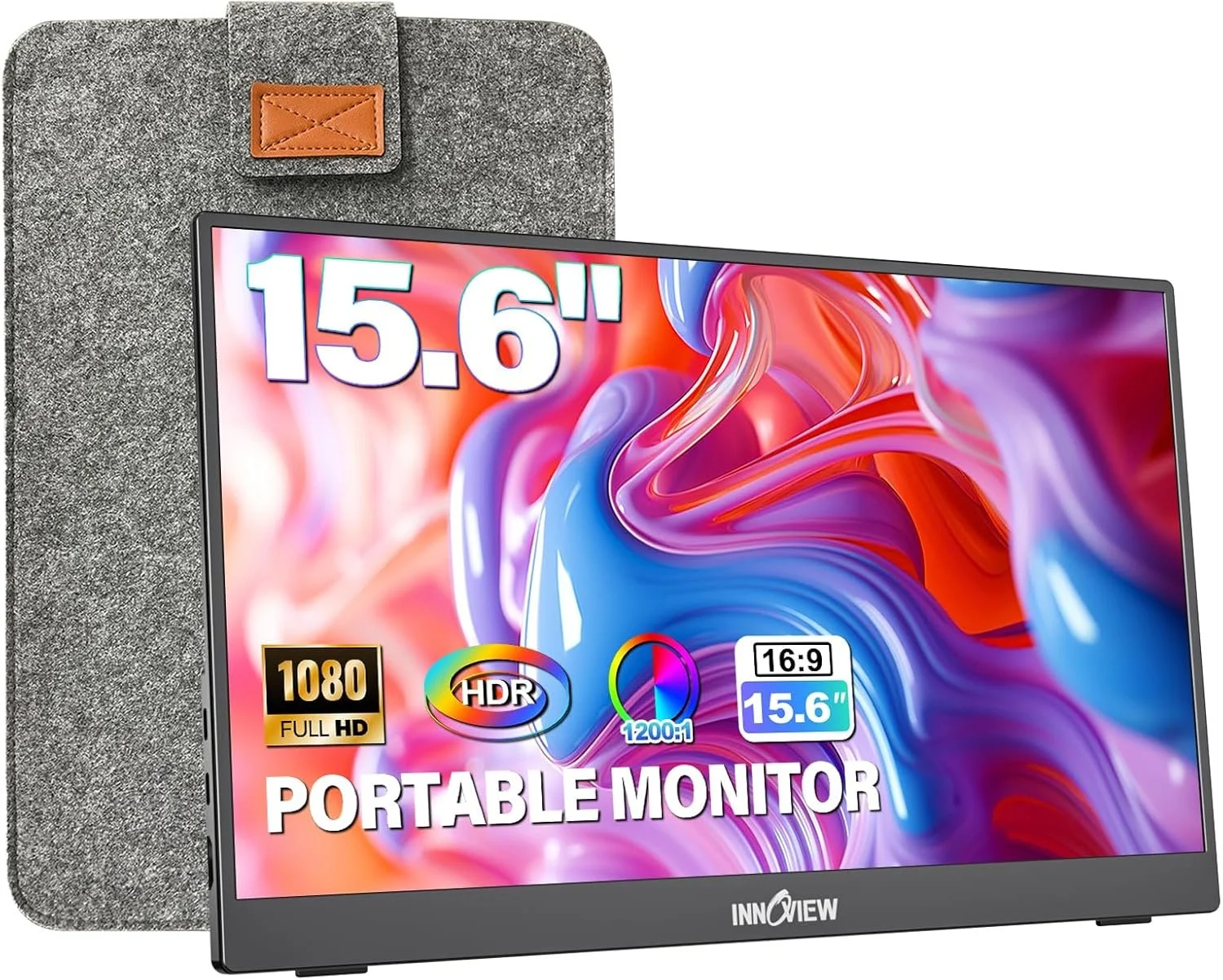
InnoView 15.6" 1080P Portable Monitor
The InnoView 15.6-inch portable monitor is a practical choice for travelers who want an affordable second screen for everyday work. Its Full HD display provides plenty of room for documents, spreadsheets, video calls, and entertainment, while the built-in adjustable stand makes it easy to find a comfortable viewing angle. It also includes a protective sleeve for safer transportation between home, hotels, offices, and coworking spaces.
Pros
- Sharp 15.6-inch Full HD display
- Built-in 90-degree adjustable stand
- Protective travel sleeve included
- USB-C and HDMI connectivity
- Lightweight and easy to carry
- Excellent value for everyday work
Cons
- Standard 60Hz refresh rate
- Built-in speakers offer basic sound quality
Best For
Remote workers, students, and frequent travelers who need an affordable and easy-to-position second screen for everyday productivity.
Rating: ⭐⭐⭐⭐☆ 4.5/5
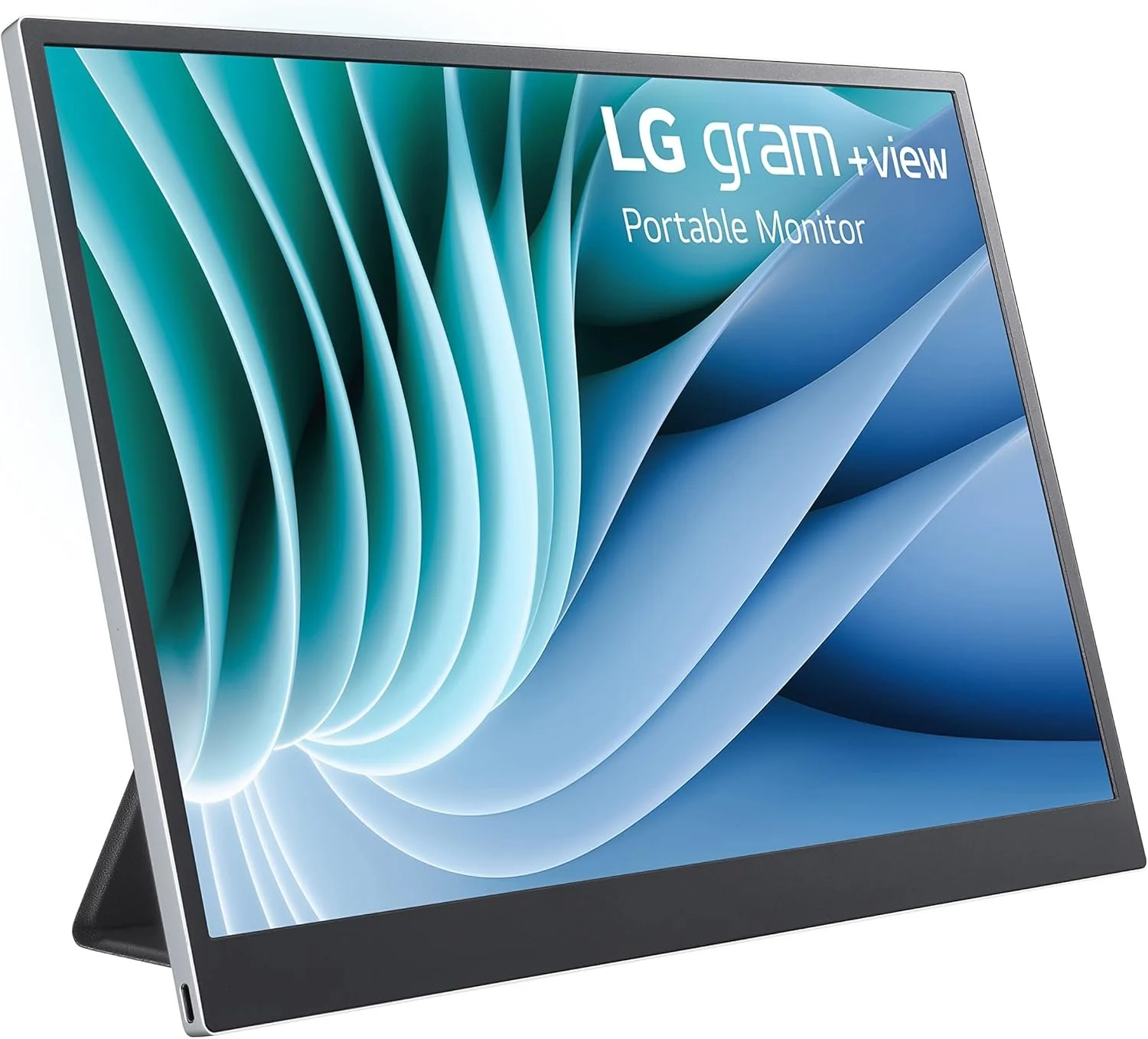
LG gram +view 16MR70 16" Portable Monitor
The LG gram +view is the premium choice for remote professionals who want more workspace and sharper image quality while traveling. Its 16-inch WQXGA display offers a 2560 × 1600 resolution and a productivity-friendly 16:10 aspect ratio, giving you more vertical room for documents, spreadsheets, editing, and web browsing. The slim, lightweight design makes it well suited to business travel, while USB-C connectivity keeps setup simple.
Pros
- Sharp 2560 × 1600 WQXGA resolution
- Spacious 16-inch display
- 16:10 aspect ratio provides more vertical workspace
- Lightweight and travel-friendly design
- USB-C connectivity for a simple setup
- Excellent choice for professional productivity
Cons
- More expensive than most portable monitors
- Limited connectivity compared with models that include HDMI
Best For
Business travelers, remote professionals, writers, designers, and anyone who values a sharper display and extra vertical workspace.
Rating: ⭐⭐⭐⭐☆ 4.4/5
Conclusion
Choosing the right portable monitor can make a big difference when working remotely or traveling. Whether you need an affordable second screen for occasional trips or a premium display for daily productivity, there is an option that fits your budget and workflow.
For most travelers, the ASUS ZenScreen MB16AC is our top overall recommendation because it offers a strong balance of portability, image quality, and reliability. The ViewSonic VA1655 is a solid budget-friendly option, while the LG gram +view is best suited to professionals who want a larger, sharper workspace.
No matter which model you choose, a portable monitor can help you work more efficiently, stay organized, and enjoy a more comfortable remote-work setup wherever you go.
Frequently Asked Questions
Are portable monitors worth it for travel?
Yes. Portable monitors provide extra screen space without adding too much weight to your luggage, making them useful for remote work, business travel, and digital nomads.
What size portable monitor is best?
Most travelers prefer a 15.6-inch or 16-inch portable monitor because these sizes offer a good balance between screen space and portability.
Do portable monitors need external power?
Many portable monitors can receive both power and video through a single USB-C cable. Models that use HDMI may also require a separate power connection.
Can I connect a portable monitor to a MacBook?
Yes. Most portable monitors work with MacBooks through USB-C or HDMI, although some older MacBook models may require an adapter.
Are portable monitors good for gaming?
Yes. Some models, such as the ARZOPA Z1FC, include a 144Hz refresh rate, making them suitable for gaming as well as everyday productivity.
Can I use a portable monitor with my phone?
Many Android phones that support USB-C DisplayPort Alt Mode can connect directly to a portable monitor. Compatibility depends on the phone and monitor model.
Related Articles

Best Universal Travel Adapters for International Travel in 2026
Read More →
Best AI Gadgets You Can Actually Buy in 2026
Read More →
Best Carry-On Luggage for International Travel in 2026
Read More →Affiliate Disclosure: Smart Picks HQ is a participant in the Amazon Associates Program. As an Amazon Associate, we earn from qualifying purchases. This comes at no additional cost to you and helps support our website. We only recommend products we believe offer real value to our readers.
